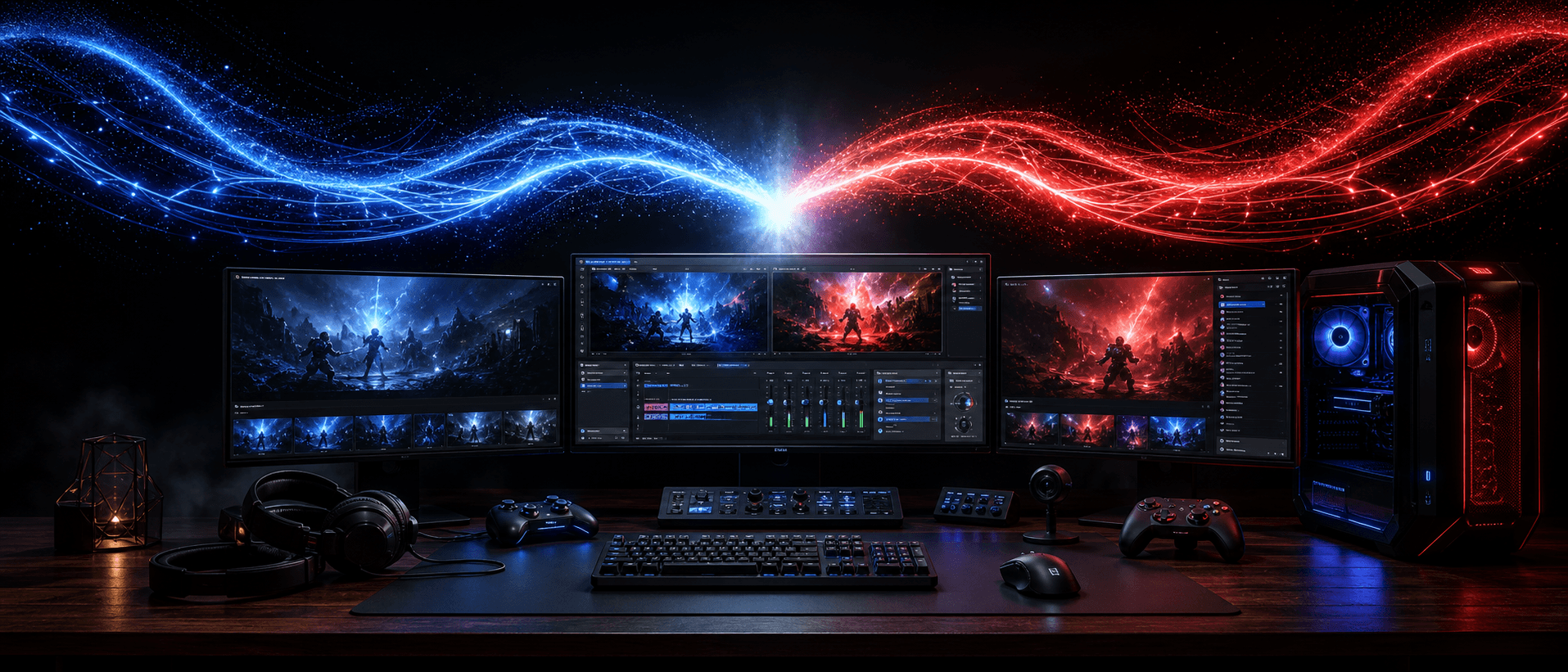
Your co-op partner.
Inside your stream.

DoubleVision lets one streamer bring one remote friend’s gameplay, camera and audio directly into OBS. No port forwarding. No screen-share soup. No networking degree.

Plugin in development · Guests join free
DOUBLEVISION · GUEST
ONE-TIME INVITEDV-7X3K-Q2B9
OBS · CO-OP NIGHT
SCENES
Co-op Night
SOURCES
Guest Gameplay
AUDIO MIXER
PARTY CHAT

ALEX
Invite sent. Jump in.

JORDAN
I’m in. Approve me?

ALEX
Got you. Let’s go.

INTERACTIVE PRODUCT SIMULATION

Your friend's PC.
Inside your OBS.

This is a working simulation, not a screenshot. Create the invite, approve Jordan, arrange the source, try Studio Mode and go live.

DVDoubleVision · Guest
ONE-TIME INVITECREATE A ROOM
J

REMOTE GUESTWAITING FOR JORDAN

▣ ENCRYPTEDOFFLINE
DVOBS · Co-op Night60 FPS
PROGRAM PREVIEW
ALEX · HOST
GUEST SOURCE LOCKED
SCENES

Co-op Night

Starting Soon

Just Chatting

SOURCES
AUDIO MIXER
Host Mic
Guest MicM
Game Audio
CONTROLS
DVParty Chat
A

ALEXInvite sent. Jump in when ready.

ACTIVITY

● Jordan requested access

● Connection approved

● Sources added to OBS

● Stream simulation started

+
START THE DEMO

Remote co-op shouldn’t need a networking degree.

01

Screen-share compressionThe game looks soft before it even reaches your stream.

02

Audio-routing headachesGame audio, voice and microphones end up fighting each other.

03

Ports and firewallsYour router should not be the final boss of game night.

04

Too many applicationsMore windows, more accounts and more ways for the setup to break.

The old way

Multiple tools. Fragile connections.

The DoubleVision way

One invite. One approved connection.

Three clicks between
“where are you?” and “we’re live.”

1

Invite

Create one secure room link and send it to your friend.

DoubleVision
Invite your co-op partnerCreate one secure room link and send it to your friend.
DV-7X3K-Q2B9
2

Approve

See exactly what they want to share before it enters OBS.

DoubleVision
Jordan is requesting accessSee exactly what they want to share before it enters OBS.
Gameplay · Camera · Mic
3

Play

Arrange both perspectives and stream through OBS as usual.

DoubleVision
Co-op scene readyArrange both perspectives and stream through OBS as usual.
Guest Join · Jordan

Host
Alex

Session
Co-op Night

Status
Secure invite

Guests join free.

Your friend opens the invite, chooses what to share and connects. No paid plan. No stream key. No tour of your router settings.

One secure invitation

Gameplay, camera and mic choices

Access ends with the room

OBS · DoubleVision source

Scenes
Co-op Night

Sources
Guest Gameplay

Audio Mixer
Guest Mic

Your OBS.
Your control.

DoubleVision adds the guest to the workflow streamers already understand. It does not replace OBS or send your stream anywhere by itself.

Guest feeds arrive as sources

Resize, layer, hide and mute

Host approval is always required

Build game night with us.

DoubleVision is still in development. Join the early-access list and help shape the first real host-and-guest release.

Request Early Access →